
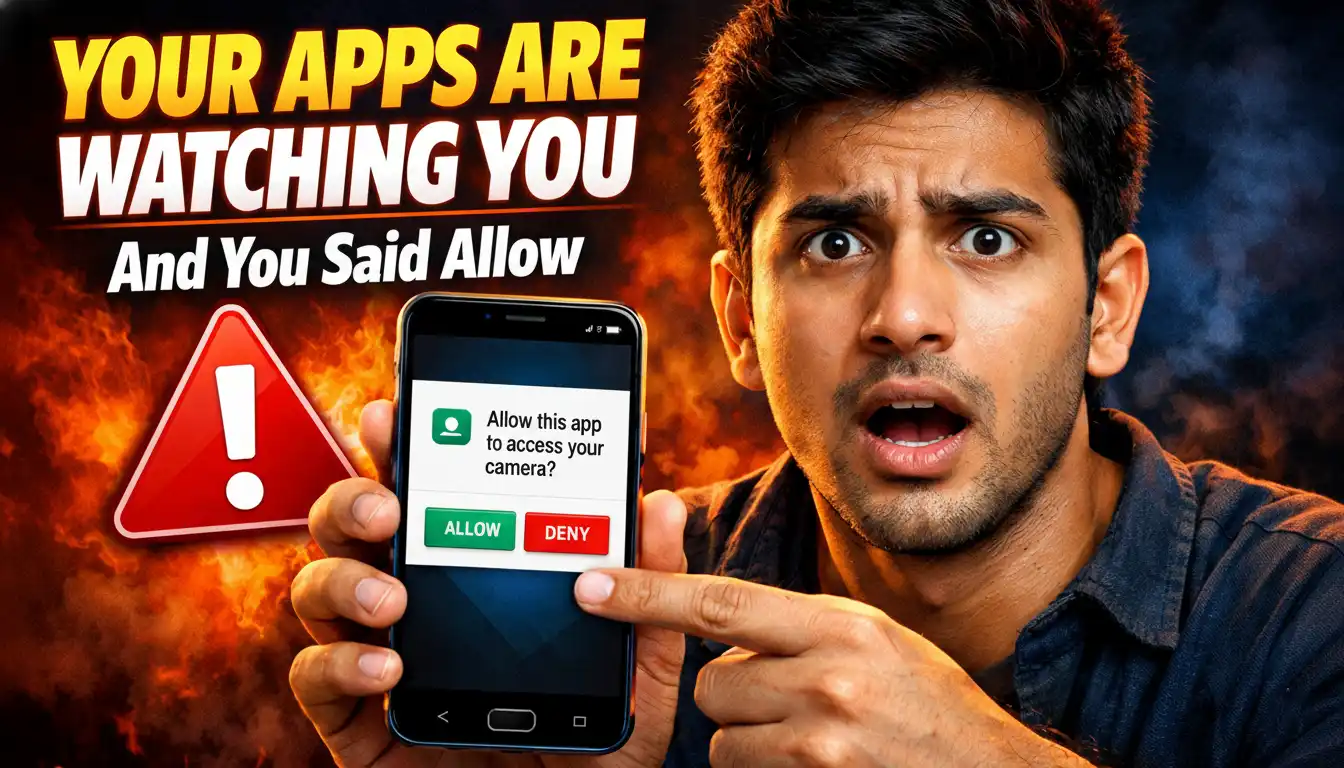

You downloaded a free torch app. It asked for permission to access your contacts. You tapped Allow without thinking and moved on. That was a mistake. A serious one. And, in simple words, it’s known as app permissions privacy risk.
To be honest, almost every Indian smartphone user does this from beginning to end, every single time they install a new app. Without hesitation, without reading, without question. Just tap Allow and get to the app already. But here is what that one tap actually means in reality.
TOC
- 1 What App Permissions Actually Are
- 2 Real Apps, Real Permissions, Real Problem
- 3 The Allow Permission on App Problem Is Bigger in India
- 4 The Torch App Accessing Contacts Problem Is Just the Beginning
- 5 How to Check App Permissions on Your Phone Right Now
- 6 From Now On, Stop Tapping Allow Without Thinking
What App Permissions Actually Are
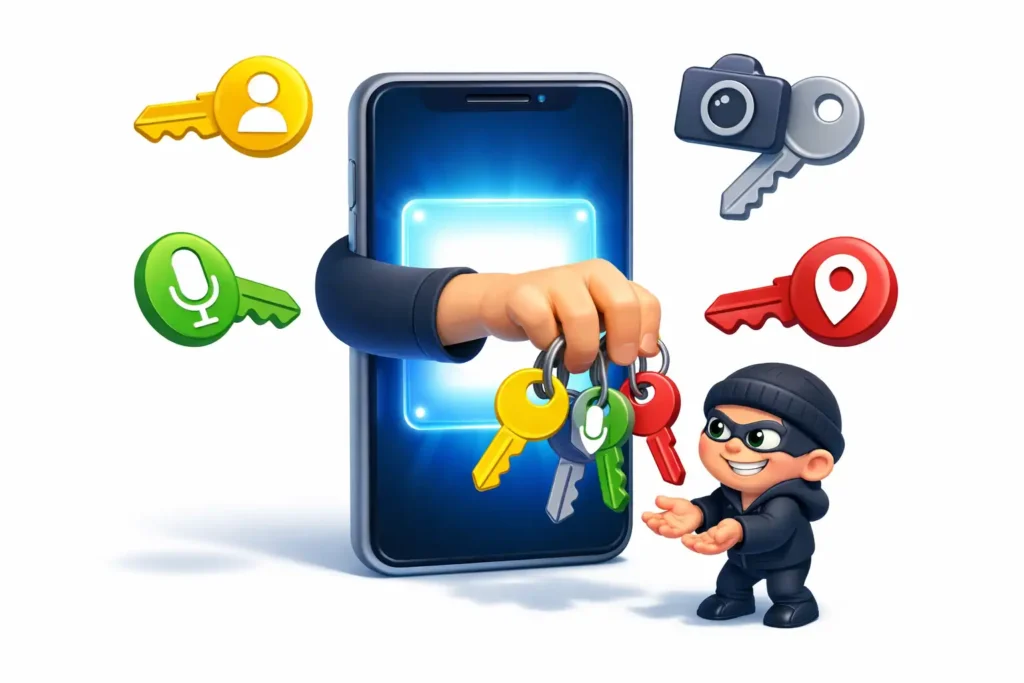
To start with, let us make this really simple. When an app asks for permission, it is literally asking you for a key to a specific part of your phone. Allow means yes, take the key, use it whenever you want, even when I am not actively using you.
That last part is what most people miss. In general, people think permissions only work when the app is open. Actually, most permissions work in the background too. So that keyboard app you installed for cute fonts is, right now, at this very moment, reading everything you type.
Every password. Every bank OTP. Every private message. Because you tapped Allow on keyboard access and never thought about it again. This is exactly what app permissions privacy risk on Android looks like in real life.
Real Apps, Real Permissions, Real Problem
Let me give you specific examples because I think this is where it really hits home.
A torch app, for instance, has absolutely no logical reason to access your contacts or your location. A torch needs your camera flash. That is it. Nothing else. However, so many torch apps on the Play Store have historically requested contacts, location, microphone and storage access. And millions of Indians tapped Allow on all of it without blinking.
A free photo editing app asks for access to your entire storage, your camera, your microphone and sometimes even your call logs. Obviously it needs camera and storage. But microphone? Call logs? For a photo editor? By no means does that make sense. Yet most people tap Allow on everything because the app will not open otherwise.
A keyboard app, by nature, sits between you and everything you type. Therefore, giving a random keyboard app unrestricted access is, in truth, one of the most dangerous things you can do on your phone. It can read your passwords as you type them. It can capture your UPI PIN. It can silently log every single message you send, in private, without warning.
Besides these, even simple quiz apps, wallpaper apps and astrology apps in India have been caught requesting location access, contacts access and camera permissions. For what reason exactly? Mostly for data harvesting and selling your information to advertisers or, in worse cases, to people with far more harmful intentions.
The Allow Permission on App Problem Is Bigger in India
Here is something that will probably surprise you.
India is one of the largest markets for free Android apps in the entire world. Since most Indians prefer free apps over paid ones, they end up installing apps that are monetized entirely through data collection. In other words, you are not paying with money. You are paying with your personal information, your location history, your contact list and your behavioral data.
Day by day, these apps collect little by little more information about you. Over time, a detailed profile of your entire life gets built somewhere on a server you will never see.
This is not maybe happening. This is definitely happening. Right now, on your phone, in the background, without making any noise at all.
The Torch App Accessing Contacts Problem Is Just the Beginning
At first glance, a contact list seems harmless. So what if a torch app has your contacts, right? Actually, wrong. Your contact list is extremely valuable data. It contains the names and numbers of your family, your colleagues, your doctor and your bank relationship manager. In the wrong hands, this list gets used for targeted scam calls, phishing attacks and social engineering frauds.
Sooner or later, you or someone you know gets a call from a scammer who somehow knows your name, knows who referred them to you and knows just enough personal detail to sound completely legitimate. That information came from somewhere. And that somewhere is very often an app you installed and forgot about, one that you gave contacts permission to without thinking.
How to Check App Permissions on Your Phone Right Now
Here is the good news. You can fix this right away, right now, today. On Android, go to Settings, then Apps, then select any app and tap Permissions. You will see exactly what that app has access to. Go through your apps one by one and ask yourself for each permission, does this app actually need this to function? If the answer is no, revoke it immediately. Without delay. Without hesitation.
In particular, watch out for these dangerous app permissions to deny without exception. Microphone access for apps that have no audio feature. Location access for apps that work completely offline. Contacts access for apps that have no social or communication feature. Camera access for apps that are not photography related. And background data access for apps you rarely open.
At the same time, on Android 12 and above, you can grant approximate location instead of exact location and you can allow permissions only while using the app instead of always. Use these options for every app without exception.
From Now On, Stop Tapping Allow Without Thinking
In conclusion, every Allow tap is a decision. Not a formality. From now on, before you tap Allow on any app permission, ask yourself one simple question. Does this app genuinely need this access to do its job?
If the answer feels even slightly unclear, tap Deny. You can always grant it later if the app truly needs it. On the other hand, once you tap Allow, that permission stays active in the background, quietly working, without asking you again.
To sum up, your phone is basically a master key to your entire personal and financial life. App permissions privacy risk on Android is real, it is widespread across India and it is completely in your control to manage.
You just have to stop tapping Allow without thinking first.

[ Author ] – Safdar Khurshid researches and evaluates consumer electronic gadgets, including smartphones, laptops, accessories, and everyday tech products, with a strong focus on long term usability, real world performance and buying mistakes people often regret later. His work is centered on helping readers understand trade offs clearly, so they know not just what to buy but also what to avoid.